
A notes app that grows with you.
I wanted my middle-schooler to write more, and I wanted to give her the power of Org-mode without its learning curve. Org-notes is designed to grow with you: start with a simple, hands-on interface, and unlock power-user features as you're ready for them.
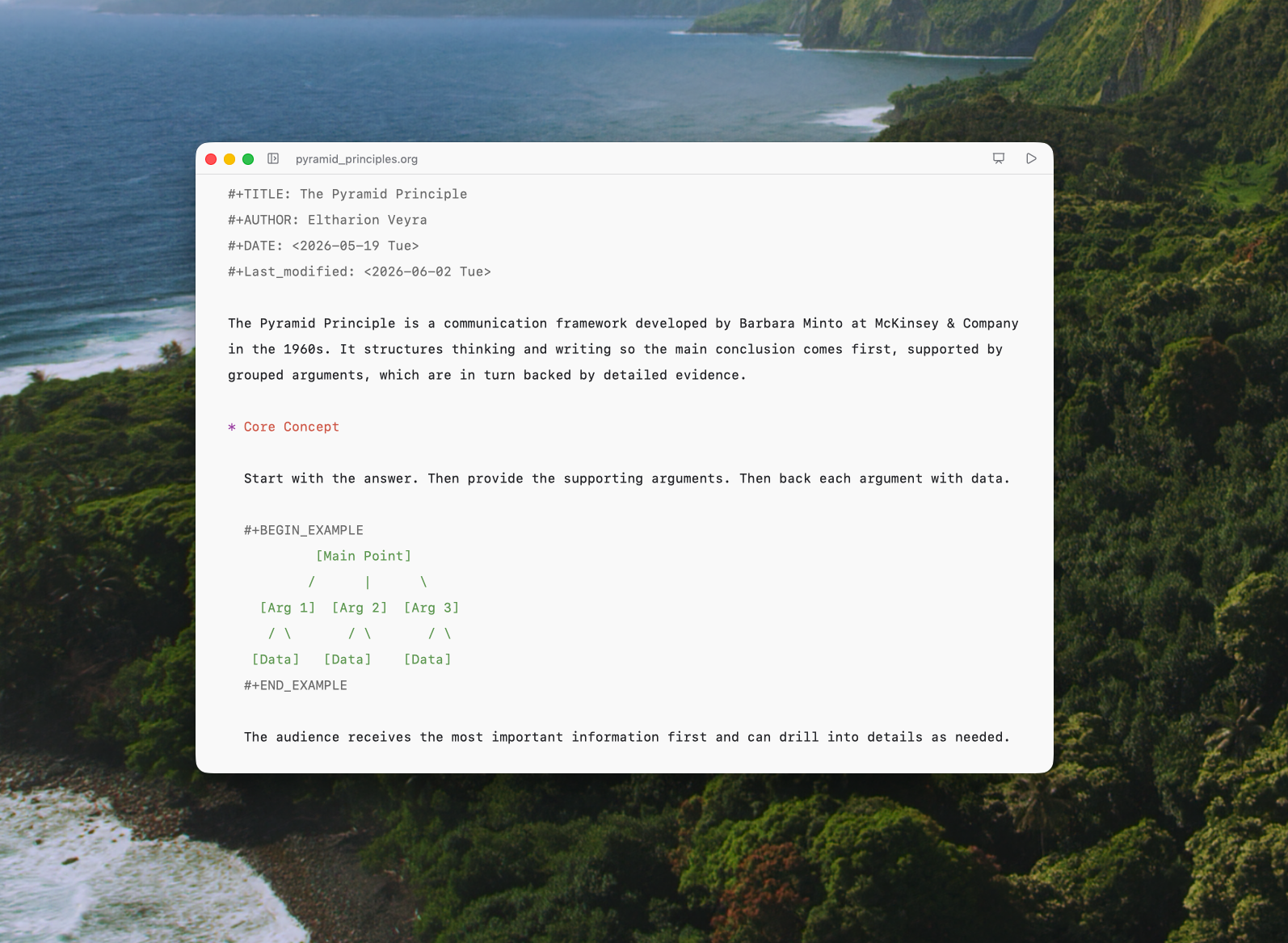
Just start writing
Open Org-notes and start typing: a clean, quiet page with nothing to set up. It opens quickly, stays fast as your notes grow, and saves everything as plain text you'll always own. Structure can come later, when your ideas need it.

Shape your idea
When your notes start to grow, add a heading. Your thoughts become an outline you can reshape by hand: drag sections into place, fold what you're not working on, and nest ideas as they take shape. Once your ideas have a shape, they're ready to become a plan.
A small experiment starts with a big question.
How does light affect how fast a bean plant grows?
Compare sunlight, a desk lamp and a dark cupboard.
Bean seeds, small pots, soil and a ruler.
Give each plant a name so we can track it.
Use the same amount of soil and water in each pot.
Measure each plant on days 1, 7 and 14.
Draw a chart of each plant's growth.
Try drag the heading to rearrange them and place your cursor on the heading line to learn keyboard shortcuts.
Drag a heading by its grip to try it.
Add data to your writing
Tables in plain text, without the learning curve. Drag rows and columns where you want them, tab between cells as columns line up on their own, and build your first formula with suggestions and labeled cell references instead of cryptic codes. All the power of Org-mode tables, now hands-on.
A small experiment starts with a big question.
How does light affect how fast a bean plant grows? My guess: plants in sunlight will grow the most, and plants in the dark closet will barely grow at all.
Compare sunlight, a desk lamp and a dark cupboard.
Bean seeds, small pots, soil and a ruler.
Give each plant a name so we can track it.
Use the same amount of soil and water in each pot.
Measure each plant on days 1, 7 and 14.
Plant height in centimeters.
Arrow keys move the cursor; Tab moves across cells and adds a row after the last cell. Type = to toggle row references on the left and column references above the table; | or Escape hides them. At the end of a formula, Enter saves and recalculates; Tab also advances to the next cell. Option is Alt on Windows. Undo reverses changes; Reset restores this demo only. Edits are temporary and reset on reload.
Drag a row or column grip to an insertion line. On a focused grip, press Space, use arrow keys, then Enter to drop. Escape or dropping outside the table cancels. Undo reverses a drop.
Select a cell to explore table commands.
Move your mouse over the table rows and columns to rearrange them. Type = in the last column to enter a formula.
Press Space on a grip, use arrow keys to choose a destination, then Enter to drop. Escape cancels.
Drag a heading by its grip to try it.
Write today.
Find your own flow.
You don’t need a system before you start writing. Capture a few lines, then add headings, tasks, and tables as they become useful. When familiar actions become habits, keyboard shortcuts help you move faster. Your notes stay in plain text, however your workflow evolves.
Built on the right things.
Native Rust. No web view, no Electron.
GPU‑accelerated rendering on every frame.
Layers of crash protection — autosave and backup.
Built for Apple silicon and Intel Macs.

Get Org-notes.
Free. Open source. Available for macOS.
Download for macOSVersion 0.1.15 · 37.2 MB · Requrie macOS 15 or later.